Edit the caption text
Review the generated words, correct phrases, and edit caption segments while keeping their existing timing.
Loading…
Generate an editable caption draft, correct the words, choose Roman or native-script display, style the captions, and prepare your video for export.
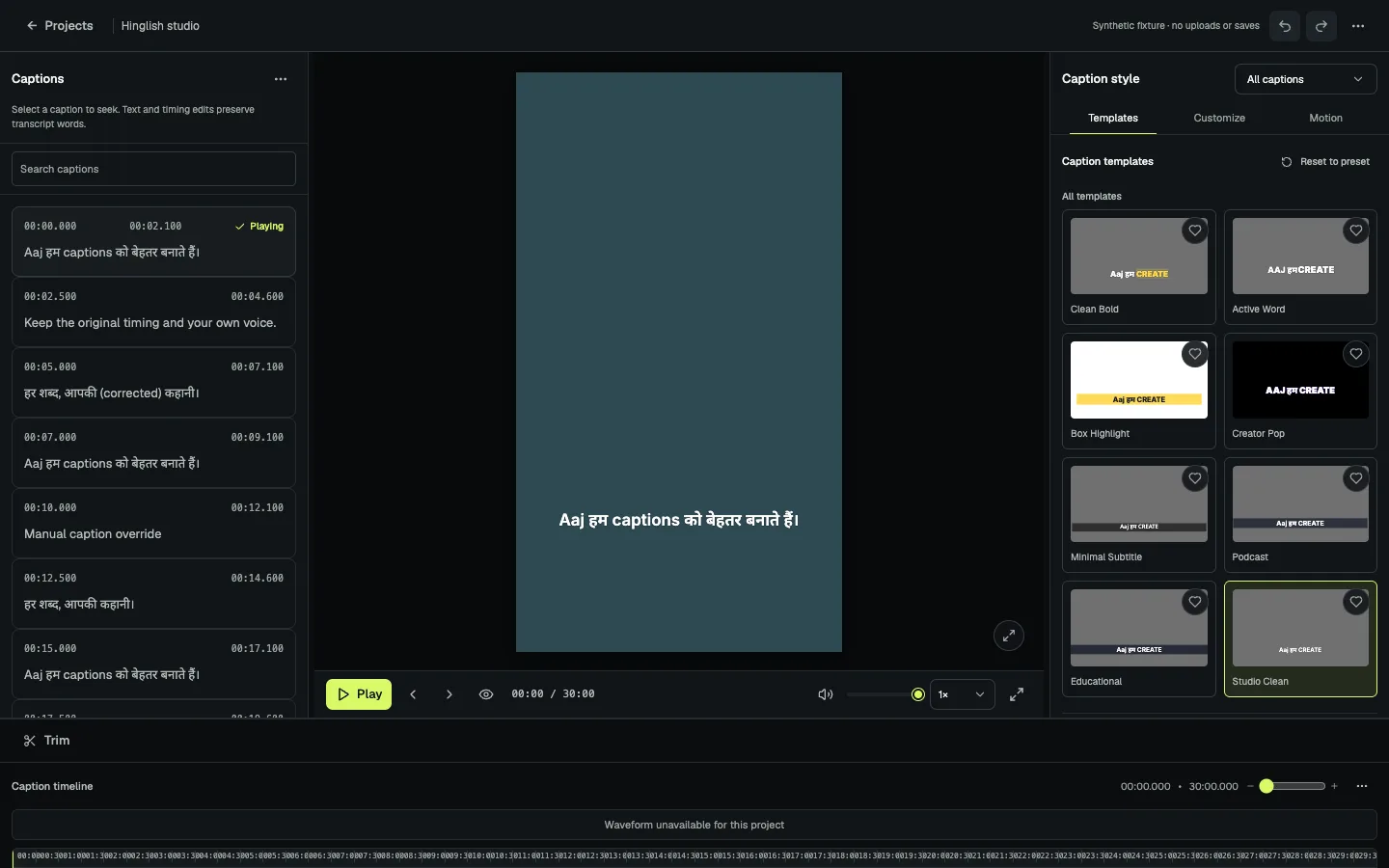
Keep the words in view while you make the caption track ready for your video.
Choose a supported video to start a project.
Correct the text and adjust caption segments in the editor.
Choose a caption treatment, make supported frame adjustments, and prepare an export.
Review the generated words, correct phrases, and edit caption segments while keeping their existing timing.
Project setup includes Hindi, English, and Hindi-English choices. Review names and mixed-language text before export.
Use the supported aspect ratios, manual framing, and start or end trim controls in the caption-focused editor.
Generated text is a draft. Check the words and the finished video before you use it.
Check the current workflow and its boundaries.
The caption workspace includes text correction and segment editing. Review generated words before preparing an export.
The current project setup includes Hindi, English, and Hindi-English speech options. Generated captions should be reviewed, especially for names and mixed-language phrases.
No. Vidtone focuses on caption editing and a small set of finishing controls, including supported crop and trim adjustments.
No. The product prepares a video export. You publish it using the platform workflow you already use.
Create a workspace and explore the caption editor.